





OfficeHQ Zapier integration
OfficeHQ’s virtual receptionists already answer your calls and take your messages. With Zapier, that same information can connect straight into your CRM, your team chat, your ticketing system, or anywhere else you need it.

Thousands of apps, one connection.
From CRMs to team chat to spreadsheets, if your business runs on it, there’s a good chance Zapier connects to it.
















How it works

We trigger it
A call completed, or a message sent by email, SMS, or WhatsApp, either one kicks things off.

Zapier picks it up
Inside Zapier, you decide exactly what happens next, matching our trigger to your software.
Your app takes over
Once that connection’s set up, a support ticket opens in Zendesk. a new item’s added to your Monday board. a contact updates in HubSpot. a lead moves through your LeadConnector pipeline. a new row appears in your Notion database. a card gets added to Trello. a follow-up email goes out from Gmail. a record updates in Salesforce. a message posts in Microsoft Teams. a message lands in Slack. a contact’s added to your Brevo list. a new client’s created in Jobber. a row’s added to Airtable. a contact updates in Keap. a new matter opens in Clio.
Our Zapier triggers
You can build a Zap around either trigger, or both,
depending on what you want to automate.
You can build a Zap around either trigger, or both, depending on what you want to automate.

Call completed
Fires when we answer a call and complete it without transferring it elsewhere.

Message sent
Fires any time OfficeHQ sends you a message, by email, SMS, or WhatsApp.
Why connect with Zapier

Less manual entry
Call and message details move straight into your other software, so nobody's copying details across by hand.

Faster follow-up
The moment a call ends, your team or your systems already have what they need to act on it.

Fits how you already work
Zapier covers thousands of apps, so even if your specific software isn't listed above, there's a good chance it can still connect.

Some of the apps you can connect
Here's a sample of the tools businesses already connect, chances are yours is one of them.
Sales & CRMs
- Salesforce
- HubSpot
- Zoho CRM
- Pipedrive
Team chats
- Slack
- Microsoft Teams
- Google Chat
- Telegram
Spreadsheets
- Google Sheets
- Airtable
- Microsoft Excel
- Smartsheet
Task management
- Trello
- Asana
- monday.com
- Notion
And 9,000+ more apps to explore on Zapier.
FAQs
Stay in control of your reception
Stay in control of your reception
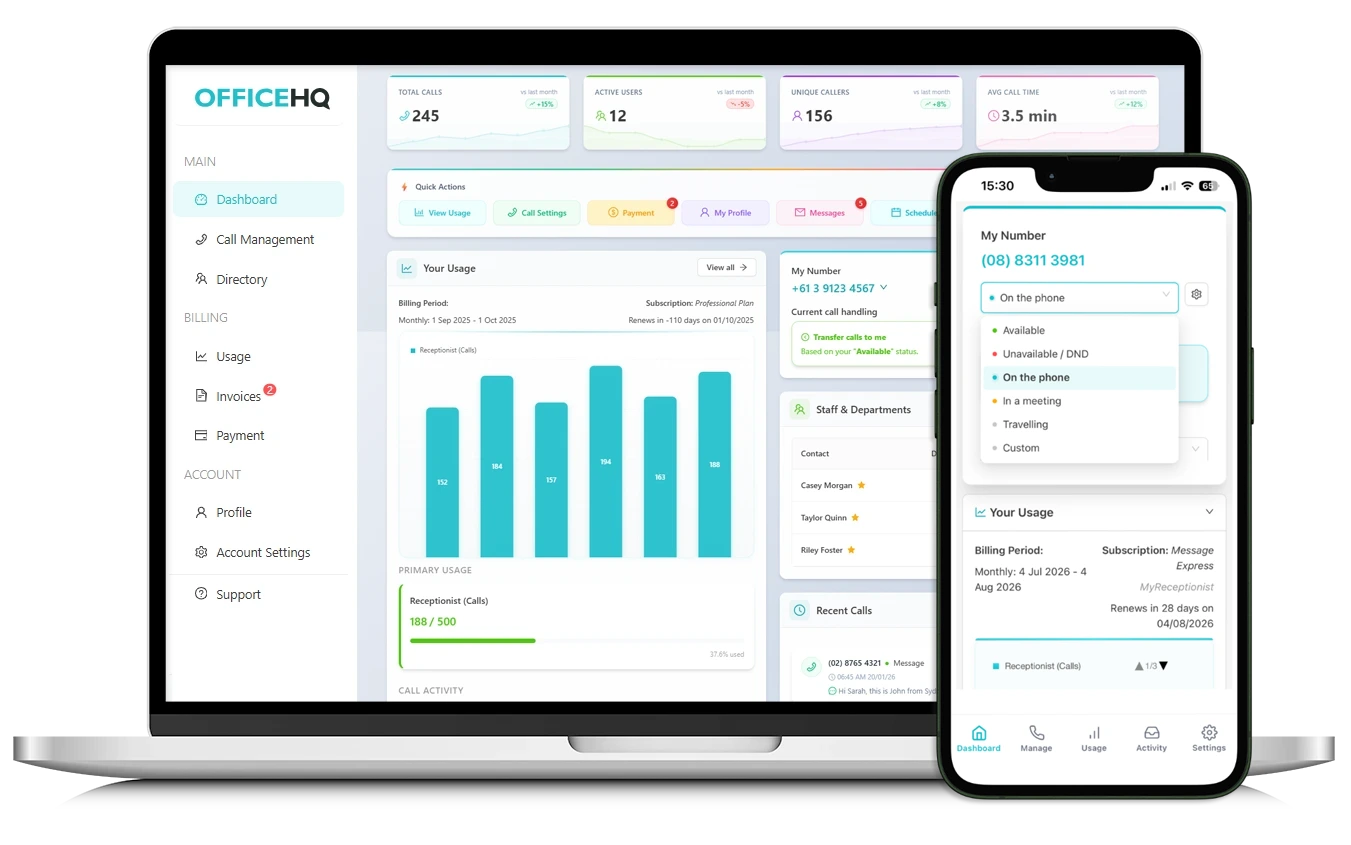
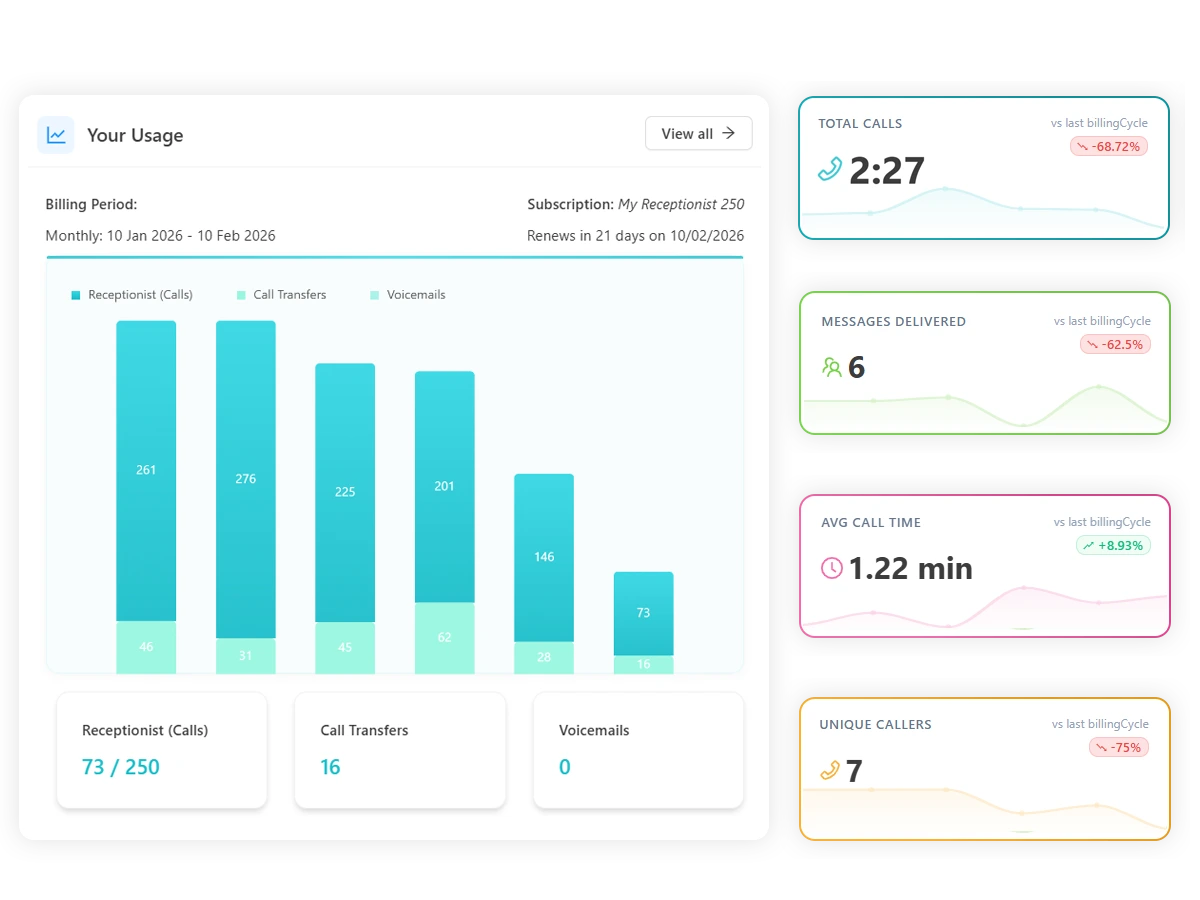
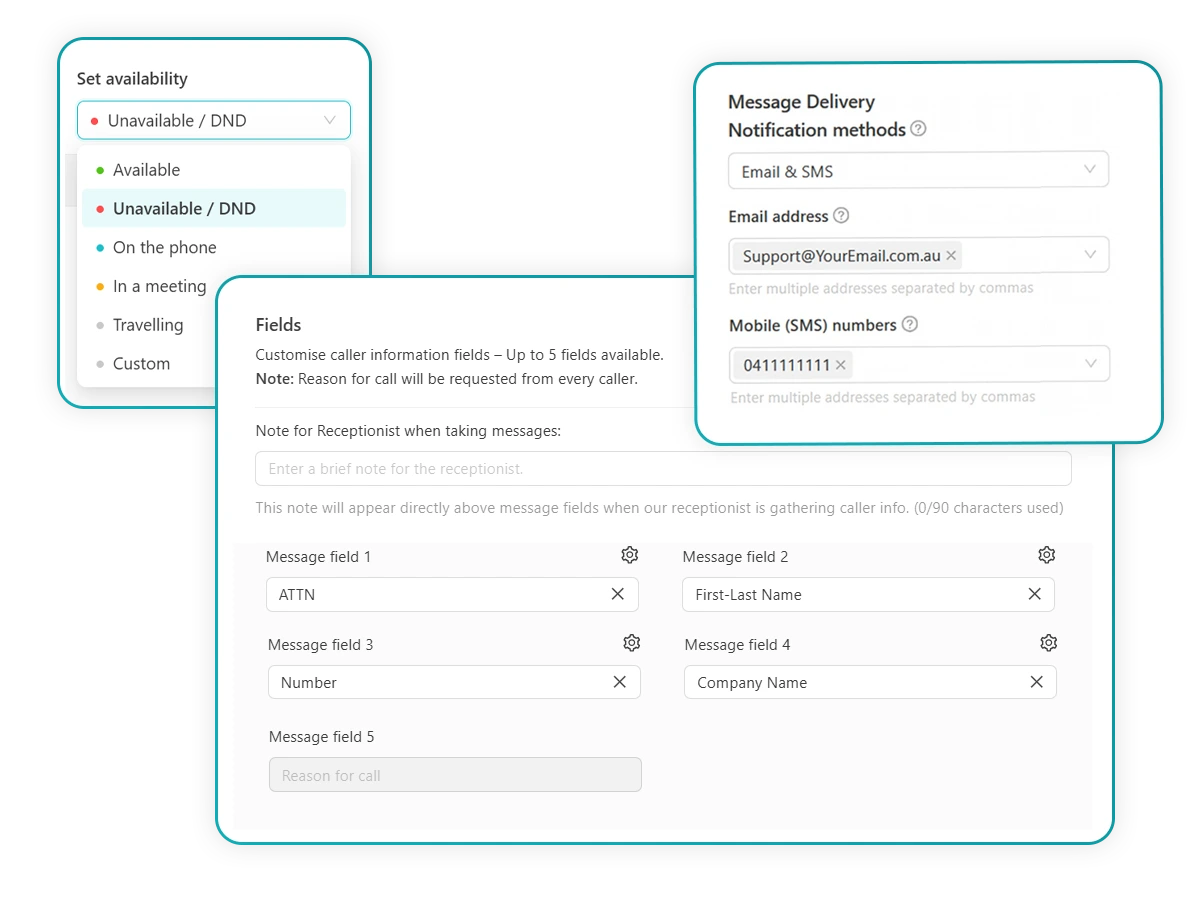
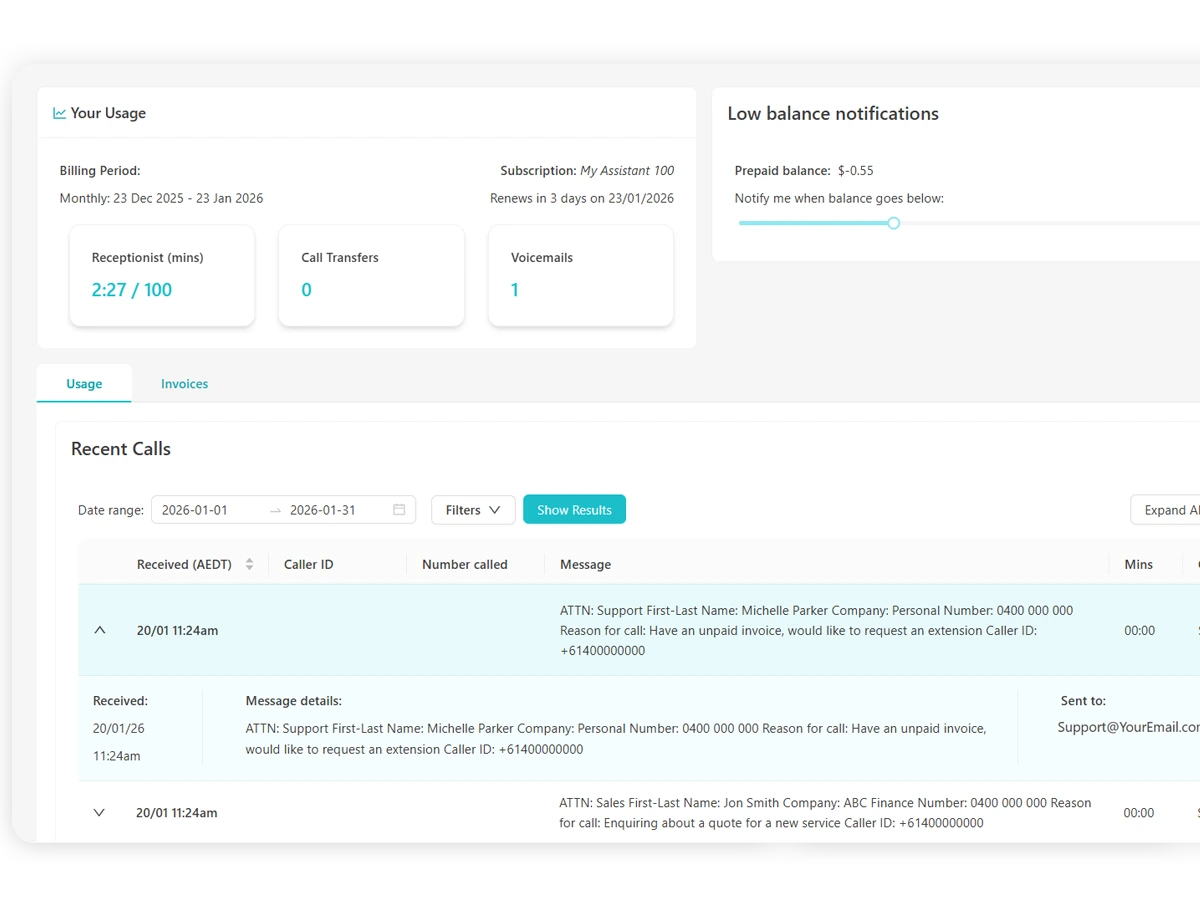
Access anywhere
Manage your communications wherever work happens, from the desktop portal or mobile app.
- Desktop, mobile & app compatible
- Accessible from multiple devices
- Multi user access
- Real time updates
No extra setup or learning curve required.









Find out more
Have questions? Please fill in your details and we'll be in touch.
Find out more
Have questions? Please fill in your details and we'll be in touch.
Want to try our live answering services for free?
Put Australia's leading virtual reception solution to the test! We're ready to answer your phone FREE for 7 days.
Want to try our live answering services for free?
Put Australia's leading virtual reception solution to the test! We're ready to answer your phone FREE for 7 days.
What does the free trial include?
Our free trial is based on our MyReceptionist service, with virtual receptionists able to take messages and transfer calls based on your availability settings.